


Restoring Tuning After OEM ECM Update
Mochester App Restoring Tuning After OEM ECM Update solutions for:
How to get
1. Select a Service
Check available tuning solutions in the Mochester App for your truck.
2. Pay for Your Order
Top up your wallet on https://dl.ge/ for the amount of the chosen solutions.
3. Get Your Solution
Return to the Mochester App and get the solutions.




15+ Years of Experience
Professional ECU programming for commercial vehicles since 2009.

Official DrunkLab Software
Original engineering solutions developed by the DrunkLab team.

Fast Turnaround
Most tuning sessions are completed in 25 minutes or less.

How to use the Mochester App
Download
Install and launch the Mochester App. Sign in using your dl.ge account and click Login.
Connect
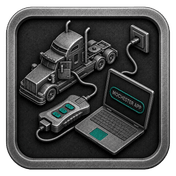
Tap Start Connecting, follow the on-screen steps, and wait while your vehicle is identified. Click Next to load available tuning solutions.
Top-Up
On dl.ge, open Wallet, select WALLET TOP-UP, enter the required amount, complete the payment, then return to the Mochester App.
Proceed to tuning
Select one or more tuning solutions, click Next, confirm with your one-time password, and wait while the download completes and flashing starts automatically.
Processing
Wait until flashing is complete while monitoring the progress bar. A detailed report will be generated, and your selected features will be ready to use.
What is tuning restoration after an OEM ECM update and why is it needed?
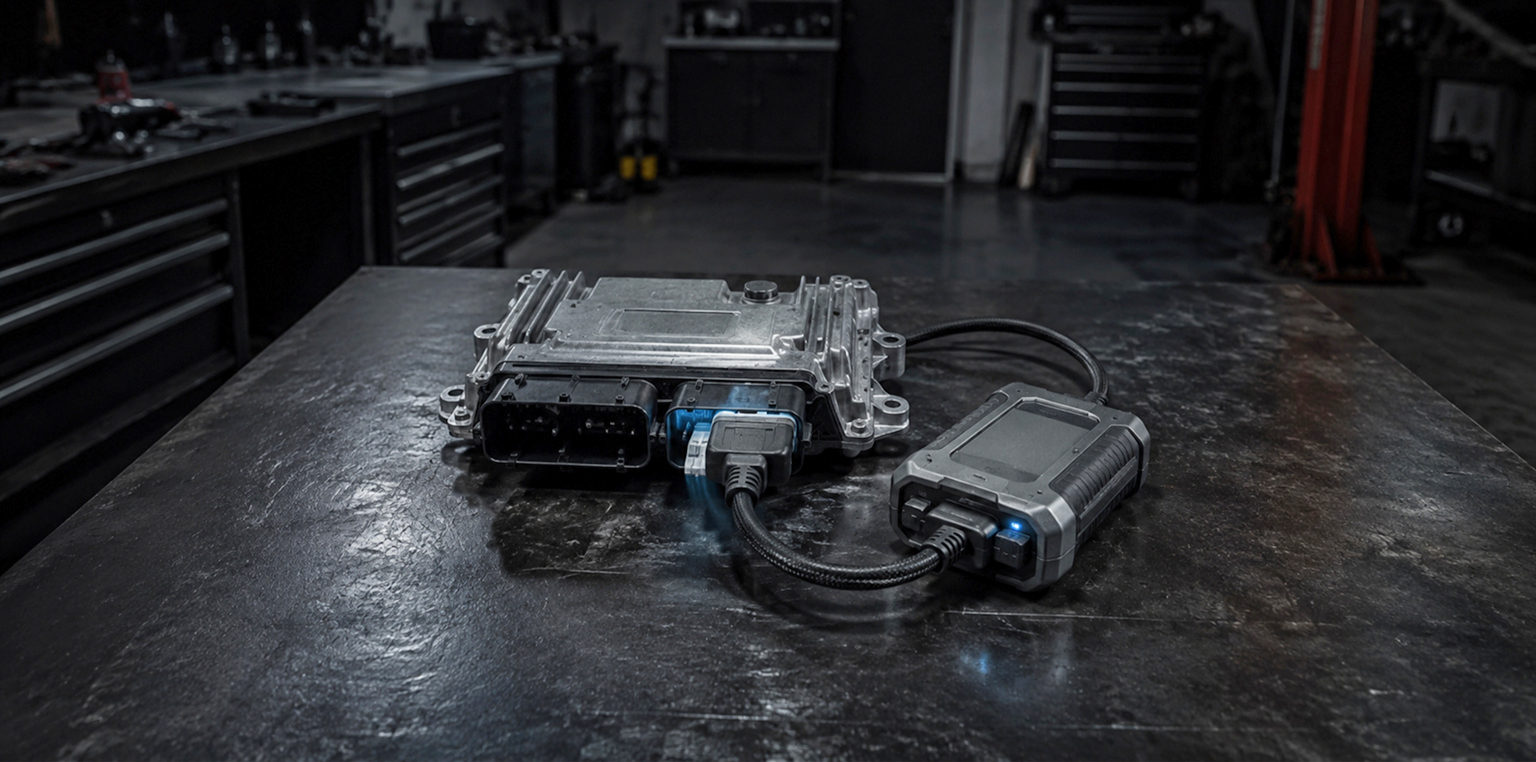
Tuning restoration after an OEM ECM update means putting ECU modifications back after dealer software updates may have removed them. Truck owners typically need this service because OEM ECM updates can put the ECM back to stock settings, turn back on the DPF, DEF, EGR, SCR, and other related systems, generate new fault codes, and take out previously installed performance modifications.
In the truck maintenance and tuning industry, the balance between regulatory compliance, performance optimization, and environmental factors is crucial and constantly evolving. Our engineering team is expertly handling these changes, especially when it comes to issues related to dealership updates to your truck Engine management Module (ECM). Basically, truck owners face one significant problem and it is a disabling the already deleted functions of DPF (diesel particulate filter) and DEF (diesel exhaust cleaning fluid) during such updates.
Realizing the importance of disabling these components to improve vehicle performance, our team offers a service to restore disabled functions of DEF and DPF systems using our Mochester App (M4 App), after visiting your truck dealership and updating the ECM.
Avoiding unnecessary costs
Updates at dealership’s can sometimes activate the functionality of already deleted DPF and DEF systems, potentially increasing fuel consumption, errors, and call for more frequent maintenance. The restoring service of the DPF and DEF systems shutdown after the dealer ECM firmware from our engineers aims to prevent these problems by ensuring the most efficient operation of your truck, thereby saving your costs in the long run.
Customized solutions
After the upgrade, our engineers review the specific ECM configuration of your truck to ensure the DPF and DEF shutdown restoration is to your specifications. Even when dealerships do standard upgrades, this custom service ensures that your truck performs at its best.
Expert support
Our complete process support means you're kept well informed and confident about the features added to your truck.
In summary, if you've been to a dealership, and your truck just had an automatic ECM update, you might see some performance changes in your DPF and DEF systems. Our engineers are available to assist you. They can re-disable the DPF and DEF systems, ensuring that your truck continues to perform at its best and remains a reliable assistant in your work.
Get in touch with us today if you like to find out how we can help your car perform at its best.
FAQ
How long does it take to restore tuning after an OEM ECM update?
The time it takes to restore a tune after an OEM ECM update can vary a lot because of the complexity of the tune modifications and the tools/software one has and can range from a few minutes to a few hours.
Is restoring tuning after an OEM ECM update a reversible process?
Yes, the restoration of tuning after an OEM ECM update is a reversible instance. The vehicle tuning can be modified or adjusted again in the future in case there is a need for optimization.
Can restoring tuning affect vehicle warranty or OEM support?
Restoring tuning on the vehicle after an OEM ECM update typically does not have an impact on the vehicle warranty or OEM support as long as the post-OEM ECM update tuning is done in a manner that is compliant with the warranty terms and conditions.
Why did my truck lose its tuning after a dealer update?
Most dealership ECM updates install factory software that overwrites previous ECU modifications, custom calibrations, and tuning files.
Can a dealer ECM update reactivate DPF, DEF, EGR, or SCR systems?
Yes. In many cases, OEM software updates restore factory emissions settings and can reactivate systems that were previously disabled through custom programming.
How do I know if my tuning was overwritten?
Common signs include the appearance of emissions-related fault codes, renewed regeneration cycles, reduced engine performance, lower fuel efficiency, or the return of factory power settings.
Which truck brands are commonly affected by OEM ECM updates?
Dealer software updates can overwrite custom calibrations on many platforms, including Volvo, Mack, Renault trucks, Prevost, Volvo Buses, and various construction equipment and industrial engine applications.